
Dashboard or API? Secure Cloud Access for AI Agents
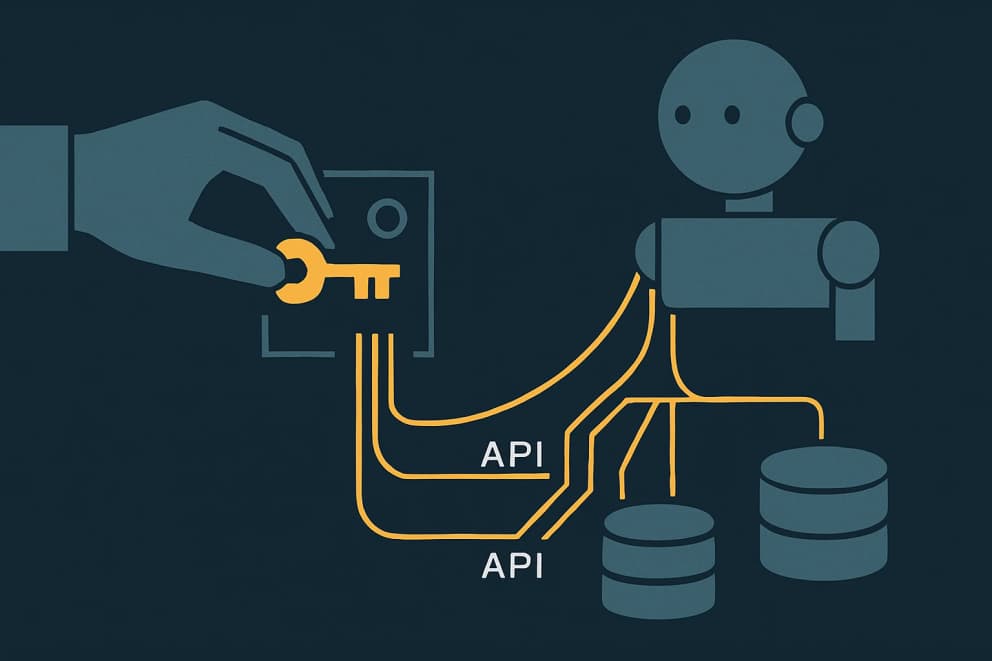
At CERTAINCE, AI agents work in more than a dozen repositories every day and access cloud platforms as they go, including two separate Cloudflare accounts: one for our own systems, one for a client (as of August 2026). Behind this sits a fundamental question that comes up on every platform: should agents operate the dashboard the way a human does, or work through the interface the way a program does?
Two accounts, and every global login is the wrong one
Our Cloudflare access ran through two channels, and neither fit the account structure: five configured MCP server connections, each of which can only hold a single signed-in identity, and one global CLI login that pointed at the client account, the wrong one for most repositories.
The migration, carried out on 24 August 2026, also surfaced stale internal documentation: a Cloudflare Worker documented as running in production existed on neither account; the service had long since moved to a different mechanism. Access and knowledge had to be cleaned up together.
Dashboard UI or API?
Every cloud platform offers two entrances: the dashboard UI for humans and the API for programs. AI agents can in principle use both; with browser automation they can operate a dashboard too. But the strengths are clearly distributed:
- Dashboard: strong for one-off, visually guided actions and wherever an interactive login with two-factor protection is mandatory. Weak for anything repeatable: not scriptable, hard to audit, fragile under automation, and whoever is signed in always carries the user's full rights, not minimal permissions.
- API: repeatable, scriptable, verifiable in its results, headless-capable, and equippable with precisely tailored permissions. The price: keys must be managed securely, and a few actions only exist in the dashboard.
So the answer is not either/or but a division of labor: the human performs exactly the smallest dashboard step that only a signed-in human can do. Everything repeatable runs through the API, with keys that can do no more than necessary; the same principle underpins the security of your own business applications.
Five options compared
- Dashboard via browser automation: no additional access needed, but slow, fragile against UI changes, blocked by two-factor logins, and always operating with the signed-in user's full rights.
- MCP servers with OAuth login: a convenient tool interface without key handling, but one connection holds one identity, sessions expire, and unattended runs cannot sign in.
- Duplicating MCP servers per account: both accounts reachable at once, but doubled tool lists in every session, error-prone selection, and still the OAuth drawbacks.
- One global CLI login: zero setup, but one identity for everything; that is precisely where silent wrong-account operations come from.
- One least-privilege API token per repository (our choice): the correct account follows deterministically from the working directory, each key can only touch its project's products and domain, and unattended runs work without a login dialog. The price: one-time setup effort and manual key lifecycle.
The implementation: one dashboard step, everything else via API
The division of labor was applied consistently. The only dashboard step stayed with the human: a short-lived bootstrap token, created once in a few minutes in the Cloudflare dashboard. That is the step that strictly requires an interactive login. The agent did everything else via the API: it created a dedicated, least-privilege token for every production repository, verified each one, and deleted the bootstrap token afterwards.
Each key is restricted to the products actually used (Workers, D1, R2, KV) and, where a custom domain is involved, to exactly that one zone. The keys live in untracked environment files right next to each deploy configuration; the tooling loads them automatically from the project directory. In addition, every deploy configuration got its account ID pinned, so a deployment into the wrong account fails even with wrong credentials.
The convention itself was documented where all agents read it: in versioned skills and the shared knowledge base, including corrections to the stale entries.
The result
After the migration, four repositories each hold their own least-privilege key; the two Cloudflare accounts are structurally separated. Accidental deployments into the wrong account are ruled out by the combination of directory-bound keys and pinned account IDs. The agents' tool load dropped from five Cloudflare MCP servers to one: the login-free documentation search. And as a side effect of verification, a Worker documented as live but not actually existing was discovered, and the knowledge base was corrected.
The pattern transfers: the human takes the smallest dashboard step only they can do; everything repeatable runs through least-privilege keys via the API. For why this is the right direction for agents in general, see Agents Need APIs, Not Screens and Why Deployment Agents Need APIs Instead of Dashboards; how such an agent is built at all, on a platform or in code, is answered in Building AI Agents: No-Code Platform or Code?.
For a selected workflow, deploying an AI agent includes setting up its access. If you want to know what that looks like for your cloud access, talk to us.