
Building AI Agents: No-Code Platform or Code?
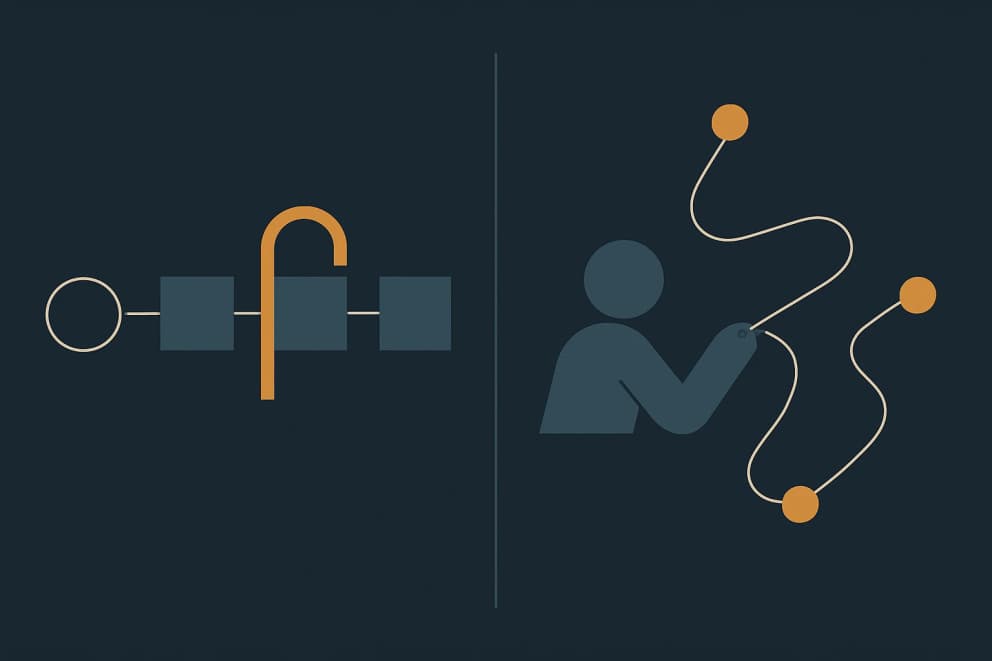
Anyone reading up on AI agents today receives two recommendations that contradict each other. The Microsoft partner demonstrates Copilot Studio: the business department assembles its own agents, without programming, with approvals in Teams and connections to the existing systems. Technical circles say the opposite: serious agents are a strong model in a code environment, and any graphical platform only gets in the model's way. Both recommendations come from people who achieve real results with their tools.
The contradiction disappears once you see that the two camps are talking about different tasks.
Two task shapes, one word
Anthropic, the company behind Claude, separates two things in its developer guide from December 2024 that are both called an “agent”: workflows, where a predefined sequence is fixed and the model takes over individual steps within it, and agents in the narrower sense, where the model itself decides at runtime which step is needed next. This distinction carries further than any tool comparison.
Two automations from our work for MAFU-SHERPA, a machine builder, show the difference. The automated DATEV export from Business Central is a workflow: account movements are transformed into the DATEV format by fixed rules, with a preview and a check before download. Every step was settled before the first month-end close ran through; the difficulty lay in format traps such as the debit/credit indicator and the German decimal separator, not in open decisions. The sales research for camera-guided CNC automation at the same company has the other shape: the system reads company websites and assesses whether a business qualifies as a customer. What it finds there determines the assessment and the outreach. The criteria of an experienced salesperson were translated into repeatable signals; which signals apply at which company, however, is not settled in advance.
The same company, automation twice, two fundamentally different shapes. The question “platform or code?” largely answers itself through this question of shape.
What the no-code platforms are genuinely good at
Copilot Studio is Microsoft's graphical environment for agents. Microsoft itself calls it low-code, by the way, not no-code. Agents appear directly in Teams and Microsoft 365, reach existing systems through connectors, and run under central data policies: administrators control which knowledge sources and connections are allowed, audit logs land in Microsoft Purview and Microsoft Sentinel, and since July 2026 every new agent automatically receives its own identity in the Entra directory. Google offers the counterpart with Agent Designer in Gemini Enterprise: agents are created from a description in everyday language and can run on a schedule. Scheduled runs are meant for personal tasks; scheduling does not support actions that involve other people, and a paused run waits for approval. We have seen for ourselves that a well-bounded workflow is in good hands on such a platform: the inventory management with Microsoft Power Apps at MAFU-SHERPA follows the same pattern.
This is the real strength of these platforms. The hard part of business automation was almost always logins, permissions, logs and approvals, rarely the thinking. Exactly this layer is what the platforms supply. And the fixed sequence is not a shortcoming there but the purpose: once an approval rule has been reviewed, step 4 should precisely not depend on what the model considered a good idea in step 3. Anyone building an agent in code has to create this layer themselves, through interfaces rather than screens and, in the back office, through access to CRM, ERP and ticketing.
Where the fixed wiring becomes the limit
The limits are written in both vendors' own documentation (as of October 2026), and it pays to read them before a pilot. For generative orchestration in the established Copilot Studio generation, Microsoft documents among other things that the conversation history the agent considers is limited and that the agent can lose information from earlier parts of a conversation; the multistage approvals are still marked as a preview feature. Billing has run on Copilot Credits since September 2025; unused credits from prepaid capacity packs expire at the end of each month, while pay-as-you-go bills only actual consumption. On the new generation introduced in June 2026, building and testing moreover already consume credits, not just operation. At Google, scheduled agents run on the user's credentials, which expire every 14 days; if nobody refreshes the schedules by hand, the agent fails. An unattended agent therefore stops on its own.
The deeper limit is the shape of the task. As soon as a process contains open decisions, every hard-wired node becomes something the model has to work around. Microsoft describes the trade-off soberly in its own architecture guidance: managed orchestration, in which the platform steers the process rather than your own code, accelerates adoption but limits what can be adapted; whoever needs full control ends up with a code framework and takes on engineering work and ongoing maintenance with it. The same guidance recommends deliberately placing critical business logic in fixed, deterministic workflows instead of leaving it to the model.
What the code path can do and what it demands
In a code environment such as Claude Code, Google's Agent Development Kit, or a thin setup of your own, the model decomposes the task only once it has the real data in front of it. It can verify intermediate results itself by executing code, and a failed attempt leads to a new approach rather than a dead end in a predrawn diagram. For research, data preparation and everything where step 4 depends on the result of step 3, this is the fitting shape. It is remarkable that Anthropic of all companies advises in the same guide to start with the simplest system and to add complexity only when it measurably pays off.
The price sits on the other side: someone has to run this path. Maintaining work instructions, building test cases, reading the log when something went wrong. Our own prospect research has run exactly this way since August 2026: one agent, one work instruction as a text file, one person who checks the results before they are used. How we decide between software and a Markdown file in that work is written up separately. One rule from it: the work instruction is tried on real cases first, before anything is built. The experiment answers the shape question more reliably than any estimate.
Does company size decide?
Less than both camps assume. Four questions actually decide, and company size merely correlates with them:
- The shape of the task. A fully describable workflow with individual AI steps such as classifying, extracting or drafting belongs on a platform. Genuinely open tasks belong in a code environment today. This question outranks all others.
- Who carries the failure. If a business department without developers is meant to run and maintain the automation itself, the platform's guardrails are worth the loss of capability. If developers run the system, the same protective intermediate layer becomes an obstacle: the platform ships logs and monitoring, but allows less intervention in its internal control than your own code.
- The ecosystem already paid for. A company working on Microsoft 365 with Entra ID already has identity, permissions and data access in place; Copilot Studio itself, premium connectors and the credits come on top as their own licensing costs. A company on other systems pays for a Microsoft-shaped abstraction it does not need.
- The audit obligation. A fixed process graph is easier to demonstrate to an auditor than an agent that writes and executes its own scripts.
Large companies cluster on the platforms and small technical teams cluster on the code environments, because size correlates with points two to four. Deciding by size alone, however, gets both edge cases wrong: the data team of a large corporation is better served by a code environment, and a business with 20 employees, no developers, and a fixed approval process belongs on a platform.
The two camps are converging
The vendors themselves show how unstable this front line is. For the new Copilot Studio generation mentioned above, Microsoft adopted, of all things, the vocabulary of the code crowd: the new runtime is officially called the “GitHub Copilot harness” and has been generally available since August 2026. Agents are described there in everyday language instead of being clicked together as dialog trees, and reusable work instructions, called “skills” there, can be exported as Markdown files. Business users will therefore maintain exactly the text-based work instructions the terminal crowd has been working with all along. Microsoft explicitly positions this generation for open, reasoning-heavy tasks; whether the platform already carries that shape remains to be seen. In April 2026, Google explicitly placed the no-code designer and the code framework ADK into one shared platform. In the opposite direction, the code environments are growing the enterprise features, above all standardized connections via the Model Context Protocol and finer permissions. Whether the border between the two worlds will still run where it runs today in two years is open. The direction is foreseeable: it is less and less about canvas or terminal, and more and more about whose identity, connector and approval layer a company rents.
Six questions for the decision
Before those questions comes another one: does the workflow need an agent at all? Where an existing tool or an established way of working solves the task reliably, we say so, and when the rule for the normal case fits in three sentences, a fixed automation is cheaper and easier to check. An agent belongs where every case looks different. For everything else, six questions are enough, and they can be answered without us:
- Can the workflow be written down completely in prose before it runs for the first time? If yes, and the AI steps are classifying, extracting or drafting: platform. If the text repeatedly says “and then it becomes clear what is needed next”: code environment.
- Who intervenes when the result is wrong, and can that person only operate the interface, or also read a log?
- Where do data, identities and permissions live today? A Microsoft or Google ecosystem you already pay for is a real argument for the matching platform.
- What must an auditor be able to reconstruct in a year, and from which log?
- What does operation cost over three years? Licenses and credits on one side, tokens, maintenance and developer time on the other.
- How often do the rules change, and who should be allowed to change them?
The DATEV export lets you think the logic through to the end. The task is workflow-shaped; whether such a process is implemented on a platform or, as there, as a deliberately lean custom application is then decided by ecosystem, operations and auditability in the individual case. The shape question settles workflow or agent; the four questions from the company-size section settle the tool. How both fit into the wider picture, from off-the-shelf tools through AI agents to an owned application, is laid out in the guide Automate Business Processes; the support we offer for it, from the assessment to setting up the tools, is described in Getting Started With AI. For a selected workflow, deploying an AI agent covers setting up access and review steps.
If you have a workflow in mind and are torn between Copilot Studio, the Agent Designer and a code environment, bring it along: Book an intro call.
Which platform is suitable for AI agents?
The platform question follows the shape of the task and the existing ecosystem. For fully describable workflows in a Microsoft 365 environment, Copilot Studio is the obvious candidate; in a Google environment, Agent Designer in Gemini Enterprise. For open tasks with many intermediate decisions, a code environment such as Claude Code or the Agent Development Kit fits better, provided someone runs it.
Can I create AI agents without programming?
Yes, if the workflow can be described completely in advance. Copilot Studio and Agent Designer create agents from descriptions in everyday language, including connections, permissions and approvals. The limit lies with tasks whose next step depends on the intermediate result, and with approval logic beyond the built-in patterns. That is where the code path begins.
What does an AI agent cost?
There are two cost models, not one universal number. Platform agents cost licenses and consumption units: in Copilot Studio, credits that are billed in advance or by consumption depending on the purchase model and, on the new generation, are already consumed while building. Self-operated agents cost tokens plus maintenance and developer time. Therefore compare operating costs over three years on the concrete workflow, not list prices.